Logging into FinanzOnline with the ID Austria App
The frustration of navigating Austrian bureaucracy digitally is a rite of passage for every newcomer, often feeling like a high-stakes puzzle where the pieces are written in complex legal German. I still remember the sweat on my forehead the first time I tried to decipher the old login system while my residency permit deadline was looming. This guide solves that anxiety by walking you through every nuanced step of logging into FinanzOnline using the ID Austria app, ensuring you never miss a tax deadline or a government notification again.
What is ID Austria and Why is it the Golden Ticket to FinanzOnline
If you have lived in Austria for more than a few months, you have likely heard the term ID Austria whispered in hushed, sometimes frustrated tones at the Meldeamt or during coffee chats with fellow expats. In short, ID Austria is the successor to the old Handy-Signatur. It is your digital identity, a secure way to prove who you are to the Austrian state without having to stand in a physical queue at 7:00 AM. For anyone dealing with Taxes in Austria: Finanzamt, Returns, and Brackets 2026, this tool is no longer optional; it is the primary gateway.
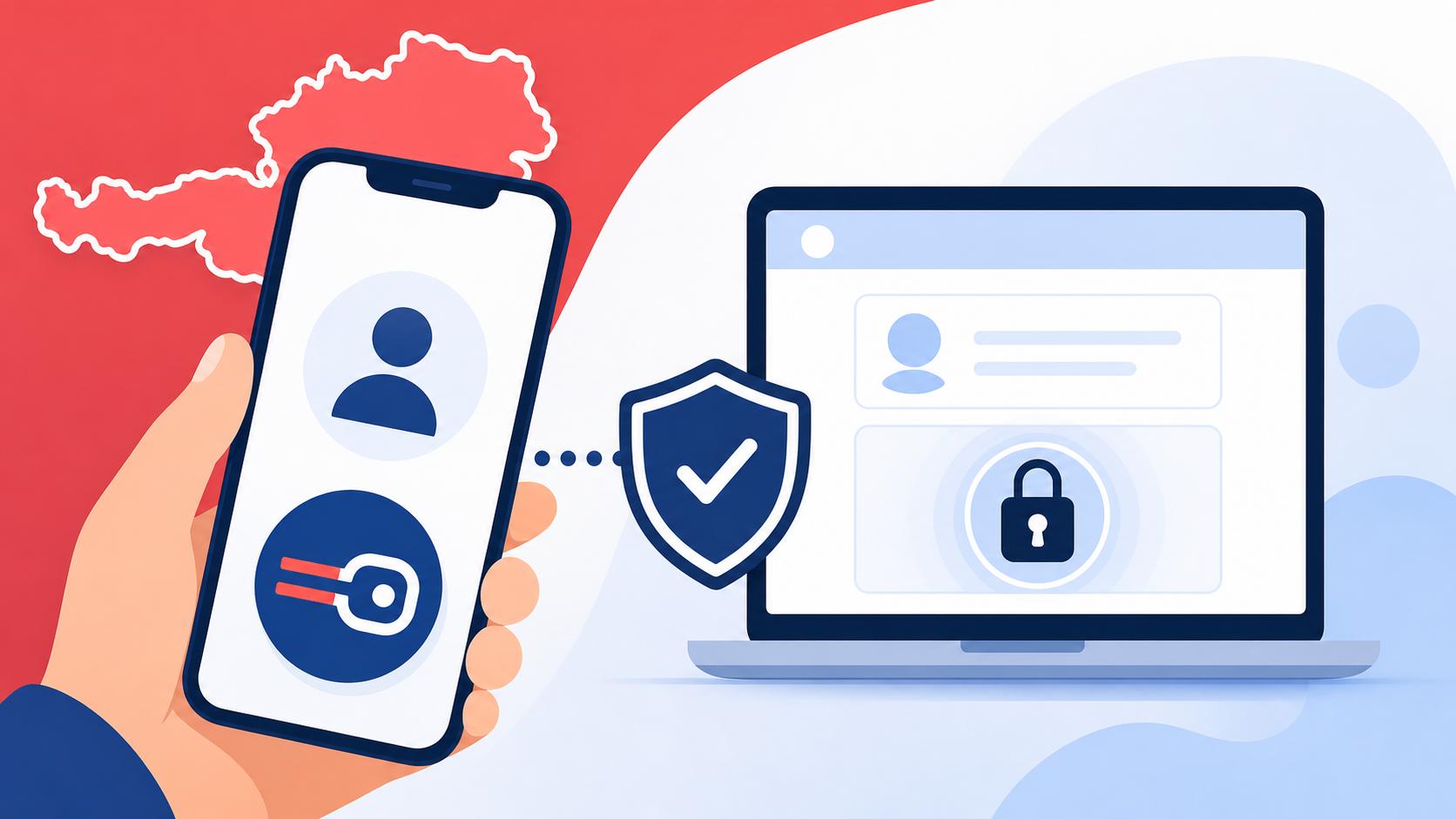
FinanzOnline is the portal where the magic—or the tax-induced headache—happens. It is where you file your annual tax return (Arbeitnehmerveranlagung), check your contributions, and receive official documents from the Ministry of Finance. By linking ID Austria to this portal, the government replaces the old, clunky "Benutzer-Identifikation" and "PIN" system with something far more modern: biometric authentication or a simple app push notification.
For foreigners, the stakes are a bit higher. We use FinanzOnline not just for taxes, but often to prove our income levels for the MA 35 and Bezirkshauptmannschaft Procedures for Expats. Being locked out because of a failed login can mean delays in visa processing or difficulty proving your financial stability. That is why mastering the ID Austria login is the first step toward true administrative independence in the Alpine Republic.
Prerequisites Before You Attempt to Log In
Before you even open the FinanzOnline website, you need to make sure your digital ducks are in a row. You cannot simply download an app and expect it to work instantly. There is a specific hierarchy of activation that you must follow.
The App: Digitales Amt
The physical "home" of your ID Austria on your smartphone is an app called "Digitales Amt." Do not look for an app specifically called "ID Austria" in the App Store or Google Play Store—it does not exist. You must download "Digitales Amt," which is the official government platform managed by the Federal Ministry. Once downloaded, you need to ensure your smartphone’s security features, like FaceID, Fingerprint, or a secure PIN, are active. The app will not function for secure logins if your phone is unlocked with a simple "swipe to open."
Basic vs Full Functionality
There is a common pitfall that many expats fall into: the "Basic" version of ID Austria. If you converted your old Handy-Signatur via a simple online process, you likely have the Basic version. While this allows you to log into some services, certain high-security portals or digital signature features might require the "Full" version. Getting the full version usually involves a physical visit to a registration office (Registrierungsbehörde), such as a tax office or a specific municipal department. For those still in the setup phase, I highly recommend reading about Activating ID Austria as a Non-Citizen Resident to understand which path you need to take based on your passport type and residency status.
ID Austria and E-Government Tools for Foreign Residents
It is also worth noting that your ID Austria is linked to your mobile phone number. If you change your SIM card or get a new Austrian number, you must update this in the system before you lose access to the old number. Many expats lose access to their FinanzOnline account simply because they switched carriers and forgot that their digital identity was tethered to that old "Handy" number. This is one of the many ID Austria and E-Government Tools for Foreign Residents that requires proactive maintenance.
Step-by-Step Tutorial: The QR Code Method
This is by far the most reliable and common way to log in. It avoids the need to type in long identification strings and relies on the encrypted connection between your browser and your phone.
Step 1: Access the FinanzOnline Portal
Open your browser and head to the official FinanzOnline website. Look for the "Login" area. You will see three options: the traditional Login (with ID, PIN, and Password), the ID Austria login, and a specialized login for businesses. Click on the large button labeled "ID Austria."
Step 2: Selection of Login Method
Once you click the ID Austria button, the system redirects you to a secure central login server (A-Trust or the federal portal). Here, you will be presented with a choice. You can either enter your mobile phone number and your signature password, or you can use the "QR-Code-Login." The QR code is generally the recommended option. It is faster and bypasses the risk of "fat-fingering" your password on a tiny keyboard.
Step 3: Scanning the Code
Open the "Digitales Amt" app on your phone. On the main dashboard of the app, there is usually a prominent button or icon for "Scan QR-Code" or "Anmelden" (Log in). Tap this, and your phone’s camera will activate. Point it at the QR code displayed on your computer screen.
Step 4: The Biometric Handshake
After scanning, your phone will ask for confirmation. It will show you a "Comparison Value" (Vergleichswert), which is a short string of characters. Ensure the characters on your phone match the ones on your computer screen. If they match, confirm the login on your phone using your fingerprint, FaceID, or your specific ID Austria PIN. Within seconds, your computer browser will refresh, and you will be standing in your FinanzOnline dashboard.
Manual Login via ID Austria
Sometimes, your camera might be acting up, or the QR code won't load properly due to a slow internet connection. In these cases, you can still log in manually.
- Enter Credentials: Select the manual login option on the portal. You will need to enter your Austrian mobile number and the specific password you set during the activation of your ID Austria.
- The Push Notification: Instead of a QR scan, the system will send a push notification to your "Digitales Amt" app.
- Authentication: Tap the notification, review the login request, and sign it digitally with your biometric data. This method is slightly slower but a lifesaver if you are trying to log in while using the same device (e.g., trying to access the portal via your phone browser).
For those who are Filing Income Tax (Einkommensteuer) as a Freelancer, being able to toggle between these methods is essential, especially when you are working on the go and might not have two screens available.
Troubleshooting Common Login Failures
No matter how "smooth" the Austrian government says this system is, things will go wrong. I have spent many hours on the phone with the BMF (Federal Ministry of Finance) helpdesk, and most issues boil down to a few common culprits.
The "Session Expired" Loop
If you find yourself being redirected back to the login page repeatedly, it is usually a browser cookie issue. Austrian government sites are notoriously picky about security. Try clearing your browser cache or opening FinanzOnline in an "Incognito" or "Private" window. This forces a fresh handshake between the ID Austria server and the portal.
App Not Receiving Notifications
If the push notification never arrives, check your phone’s settings. Many of us turn off notifications for "unimportant" apps to save battery, but "Digitales Amt" needs those permissions to function. Also, ensure you are not on a restrictive VPN; some government servers block non-EU IP addresses during the authentication phase for security reasons.
Forgotten PINs and Access Codes
This is the nightmare scenario. If you forget your signature PIN, you cannot simply click "forgot password" and get an email. Because this is a legal signature, the security is much tighter. You may need to use a "Revocation Password" to reset the ID, or in worst-case scenarios, visit a Finanzamt in person to re-verify your identity. If you find yourself in this situation, you might need help Retrieving a Lost FinanzOnline Access Code or resetting your entire digital persona.
Comparing ID Austria Levels
To help you understand what you can actually do once you've logged in, here is a quick breakdown of the functionality tiers.
| Feature | Basic ID Austria | Full ID Austria |
|---|---|---|
| FinanzOnline Login | Yes | Yes |
| Sign PDF Documents | Yes (Limited) | Yes (Full Legal Validity) |
| Access "Mein Postkorb" | Yes | Yes |
| Digital Driver's License | No | Yes |
| Residency Permit Renewal | No (Usually) | Yes |
| Registration of New Address | No | Yes |
As you can see, for a simple tax return, the basic version might suffice. But if you want to use the portal to its full potential—for example, when Filing a Final Tax Return After Relocating Outside Austria—having the full version is much more convenient.
What to Do Once You Are Logged In
Once you have successfully navigated the login, don't just stare at the screen. The FinanzOnline dashboard is packed with information that is vital for expats.
- Check Your e-card Status: Many people don't realize that their insurance status is visible here. You can actually see which employer has registered you and How to Check if Your e-card is Active Online directly through the data links in the portal.
- The "Postkorb": This is your digital mailbox. The Finanzamt has almost entirely moved away from paper mail. If they need more info on your The Austrian e-card: Registration, Photo Rules, and Usage Guide, they will send a PDF here. If you don't check it, you might miss a deadline.
- Health Insurance Data: You can view your "Versicherungsdatenauszug," which is a complete history of your employment and insurance in Austria. This document is gold when applying for permanent residency or checking your status within the Austria Healthcare System 2027: Complete Guide for Foreign Residents.
Security and Best Practices
Since your ID Austria is essentially your legal signature, you must treat your "Digitales Amt" app with the same care as your physical passport.
- Never Share Your PIN: No government official from the Finanzamt will ever ask for your ID Austria PIN or your signature password over the phone or via email.
- Device Management: If you sell your phone, make sure to "deregister" the device from within the ID Austria portal first. If you don't, the new owner might have a gateway into your digital life, and you will be stuck in a bureaucratic loop trying to register a new device.
- Regular Checks: Log in at least once every few months just to ensure your certificates haven't expired. The system usually prompts you to renew your certificate every few years, and it is much easier to do while you still have access than after it has lapsed.
General Disclaimer
This guide is intended for informational purposes and reflects the digital administrative landscape of Austria. While I strive for hyper-accuracy based on my experience as an expat, government systems, app interfaces, and legal requirements can change without notice. Always refer to the official portals at bmf.gv.at or oesterreich.gv.at for the most current legal advice and technical support. This content does not constitute professional tax or legal counsel.